Disclaimer: I thought and drafted this. Astra handled the formatting and put the drafts into Substack, LinkedIn, and X. Figured this would be fitting. I think it did a good job😄

A few months ago, I dedicated Chrome to be an agentic browser.
Yes, you heard it right.
I got both Codex and Claude (and occasional startups I’m testing) hooked up with it because my latest pet peeve is wanting to know which parts of my ops I can stop doing myself.
I’m especially interested in work inside my actual accounts, with the conversations, drafts, and history already there. Take the holy grail - LinkedIn. Most of my audience is there. An agent operating through that account acting as me would open a goldmine.
But are we there yet?
GPT-6 Astra’s release is the closest we’ve got so far.
In one of the new demos, Zachi asked Astra to draw him in Canva. The portrait is impressive. His follow-up is more interesting: he says the Chrome-control route broke partway through, and Astra switched to computer use to keep working. His setup notes.
It’s not surprising. Brooke Joseph, who worked on Astra’s computer use, says the models she tested a year ago were bad compared with what they can do now.


The difference is real.
Take an example - I’ve been fascinated by this for years and last year, Brian and I made a report on browser and computer agents, partly to make sense of the tools ourselves. We opened it by saying 2025 hadn’t quite been the year of the agent. You could see the future. The delivery wasn’t there.
2026 may finally be the year computer agents become real.
BUT - 95% of people I talk to still have no idea what types of computer use exist and how to get the most out of it. Let’s explore that!
Wait. Does the agent need to take over my computer?
Gergely Orosz, who writes The Pragmatic Engineer, recently complained about local agents opening browsers and apps while he was trying to work. He wanted them in a virtual machine or the cloud, out of his way.
Fair. If I have to stop working so my agent can work, we have a problem.

His complaint includes native apps, so a browser extension isn’t the answer to all of it. But browser work does not automatically require handing over your mouse. Even this distinction gets lost in the conversation.
Take a simple job: find receipts in Gmail and put the expenses into a spreadsheet.
An agent with a Gmail connection can ask the service for the messages directly. No browser required. An agent with browser access can use the Gmail website. One with desktop control can look at the screen and use the interface, much as you would.
All three can do the job, but the access you give them is different.
Using OpenAI’s names, here is what those choices look like:
A connection to a service: Service plugins, such as Gmail or Notion. Direct access to supported operations. It cannot do things the integration does not expose.
A separate browser: Built-in Browser, or @Browser. Public websites, local testing, or a separate signed-in workspace. It does not inherit your regular Chrome profile.
Access to your existing browser: Browser extension, or @Chrome. The accounts and tabs you already use. It still depends on that local browser session.
Control of desktop apps: Computer Use, or @Computer. Work outside the browser. On Windows it takes over foreground input; supported Mac tasks can run in the background.
Strictly speaking, calling a service directly isn’t computer use at all. But these options sit next to each other in the products, and an agent can switch between them during a single task. OpenAI also packages some browser and computer controls as plugins. No wonder the labels get confusing.
The extension isn’t another AI model hiding in Chrome. It gives the agent a way into the browser. Changing the tool does not, by itself, mean changing the model.
Then there is a separate question: whose computer is doing the work? A local browser, a virtual machine, and a cloud computer are different places to run it, not three levels of intelligence. A cloud setup can keep working when your laptop is off, but it doesn’t automatically inherit the accounts signed into your Chrome.
I gave the agents Chrome
This is why I dedicated Chrome to agentic work.
I want Codex and Claude to reach the accounts where the work already lives. I don’t want to export everything, explain the context again, then copy their answers back into five different apps.
For browser work, they can operate their own tabs through the extension while I do something else. That is different from giving them control of the desktop I’m using.
The routing rule is simple:
Use a connected service tool when it covers the job. Use the built-in browser for public pages and local testing. Use my Chrome when you need an account I’m already signed into. Ask before switching to desktop control or opening an app that will interrupt me.
That last sentence matters. Keeping the browser out of your way doesn’t help if the agent decides to open a text editor or a terminal in front of you.
There is a speed tradeoff, too. Small timing checks on my laptop in August, before Astra, found that taking a screenshot took roughly 0.06–0.08 seconds in the built-in browser versus 0.8–1 second through the Chrome extension. Reading the page’s structure was much closer. Same model, matched pages, different routes.
Those were tool timings, not a contest over who finished real jobs better. But they explain why “use Chrome for everything” isn’t a great default either. Sometimes the account context is worth the overhead. Sometimes you don’t need it.
I also separate two kinds of work. Testing my own website or moving information around an internal tool is one thing. Working inside LinkedIn, where people recognize me and years of conversations already exist, is another.
In that second case, leaving the account usable and letting me review what goes out are part of doing the job. Using my own browser makes the context accessible. It doesn’t make automation automatically allowed by the platform, or the account immune to mistakes.
So what actually changed this year?
Browser extensions existed before Astra. So did background operation in supported apps. The interesting question is whether the agent is now good enough to leave useful work behind without needing you at every step.
Go back to Zachi’s Canva example. The important detail is that a broken Chrome-control route reportedly didn’t end the task. Astra found another way to operate the interface and carried on.

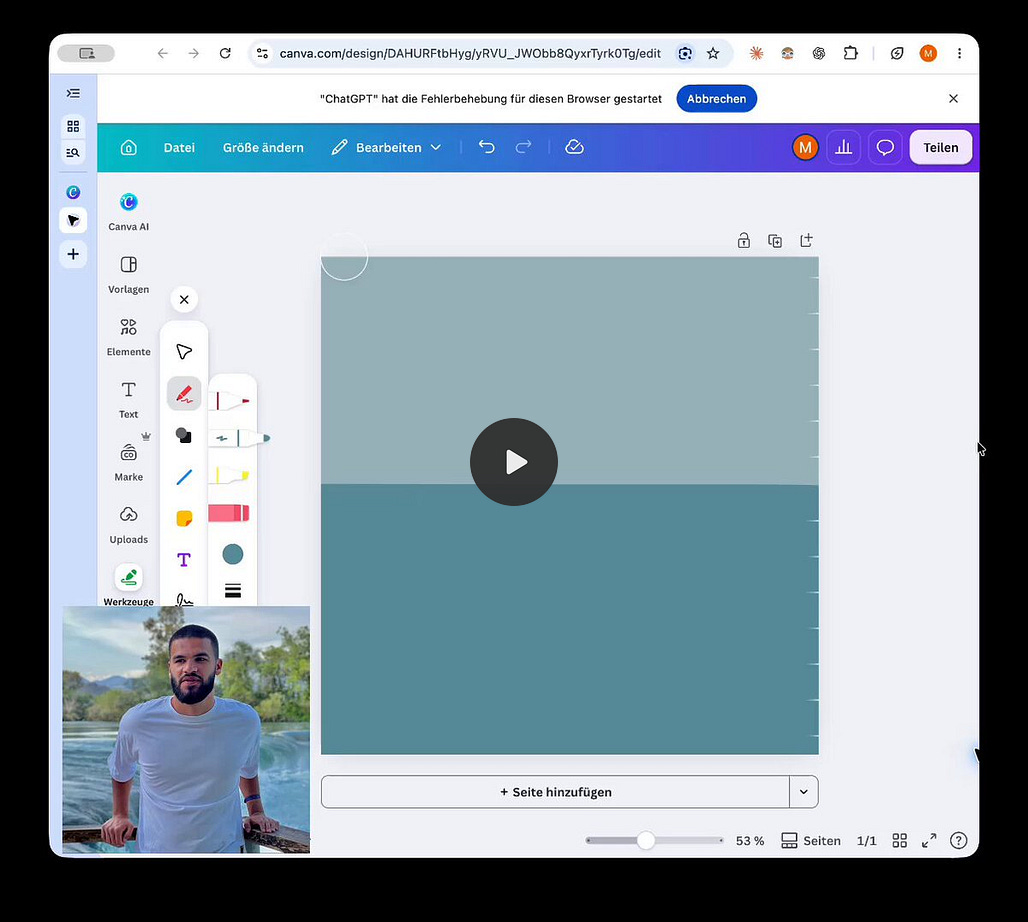
That is a much more useful ability than faithfully repeating a click that isn’t working.

Ben Davis asked Astra to get a newly recorded video ready for editing in Final Cut Pro: import the footage, grade it, and sync the clips. He and his editor watched it work in the application they already used. In a follow-up, he said Astra also edited the reaction clip and its captions.

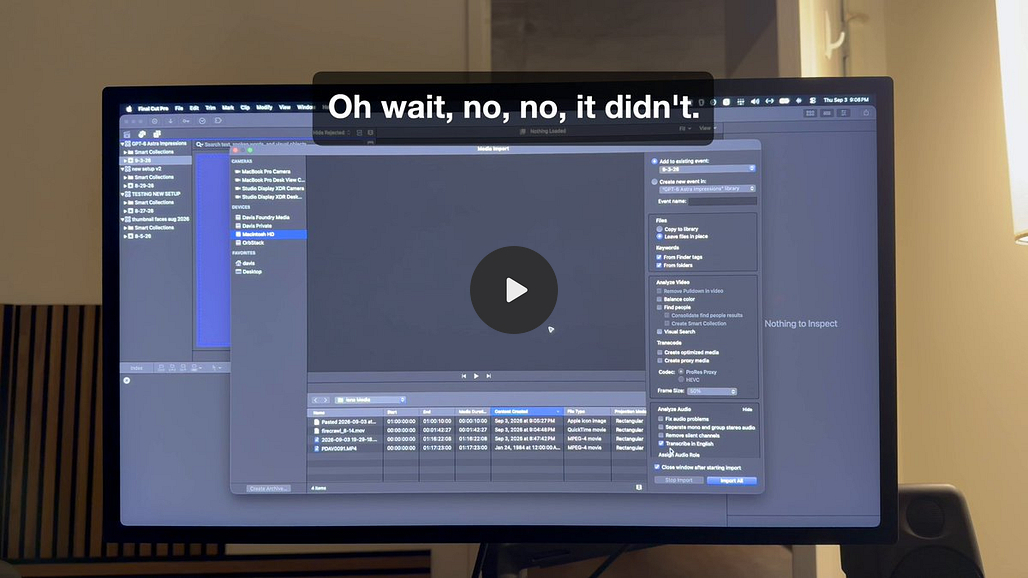
That saves someone a chunk of prep work in the editor they’re going to use anyway.
Thomas Ricouard’s Blender house project adds another useful detail. Astra built the scene through Blender’s Python API, ran rendering scripts, and also inspected the application through computer use. Ricouard kept providing direction. It wasn’t doing every step by clicking menus, and it didn’t need to.
I want the agent to use whatever method works. Being able to see the result and correct it matters more to me than whether every action looks human.
Then there is the less cinematic stuff.
In his everyday-work review, Matt Shumer describes Astra finding the right newsletter draft among a pile of them, looking at previous sends, and preparing the audience and timing choices. His colleague checked the work and approved it.
The Gmail detail is even better: after looking at messages, it marked them unread again so his inbox stayed organized the way he expected.
That is easy to miss in a demo. It is also exactly the kind of thing that decides whether I want an agent in my account tomorrow.
These are other people’s early experiences, not results I’m claiming to have reproduced. But they describe work I recognize: preparing an edit, getting a newsletter ready, handling an inbox without making a mess of it.
SpacexAI is making a similar bet
Earlier this year I wrote about Musk’s Human Emulator project: the ambition to have agents operate existing software and organize into something resembling a digital workforce.


Read my original Human Emulator post
The scale described in that post was ambitious. The more concrete product to look at now is Grok Bot, which launched in August with agents working on computers in the cloud, inside the apps and accounts you give them access to.
Their September update describes bots researching target accounts through webinars and podcasts, then leaving LinkedIn and email drafts for morning review. Another example takes questions from a Zoom webinar and brings the relevant customer context and draft replies to account executives in Slack.
That also answers the other half of Gergely’s complaint. If the job needs a computer for hours, giving the agent its own one starts to make a lot of sense.
From vibe coding to vibe working
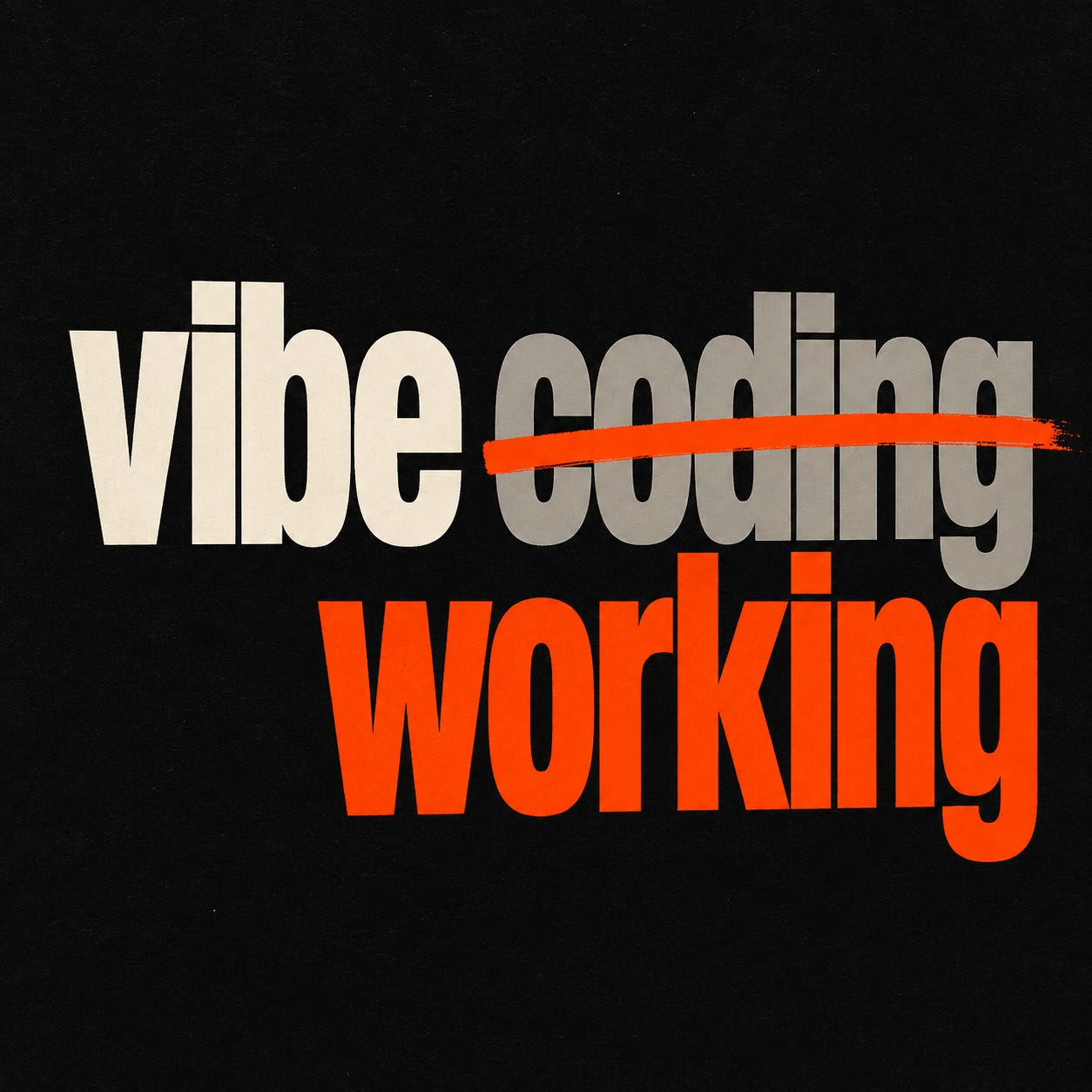
Vibe coding made it easier to build software. A lot of the work I want help with doesn’t need new software.
It needs someone to use the software I already have.
The receipt is in Gmail. The expense sheet is somewhere else. The customer conversation is in LinkedIn. The notes belong in the CRM. The newsletter is written, but someone still has to get it ready to send.
We already bought the apps. We are still the people moving the work between them.
If agents become dependable at that part, the opportunity is much bigger than making developers faster. People who have never opened a code editor can start handing over pieces of their work. Small teams can do more without every new process becoming another founder responsibility.
If you’re building one of these products, this is the work: getting into the right accounts, learning how a team operates, recovering when something breaks, and making it easy to check the result. A better model doesn’t solve all of that for you.
There are limits. Operating Final Cut doesn’t automatically make an agent a good editor, any more than operating design software makes it an architect. Being able to use an app and having good judgment about the work are different things.
But you don’t need to hand over a whole profession to get value from this.
I’d start with a job you already know how to check: get a draft ready, update a record, or pull the material for a meeting. Be clear about what done looks like. Then see how much of it you actually had to do yourself.
An agent can take two hours to do something I could do in one and still be useful if it leaves me alone. A faster one can waste my time if I have to watch every step.
I don’t need an agent to take over my whole job for 2026 to feel different. If it can reliably do a few jobs in the accounts I already use, I can stop setting aside time to do them myself.
That is the version of computer agents I’ve been waiting for.
If you’re using browser or computer agents, I’d love to hear what’s working in your actual accounts. What have you stopped doing yourself? And what still needs you sitting there?